Fragmentum Layer
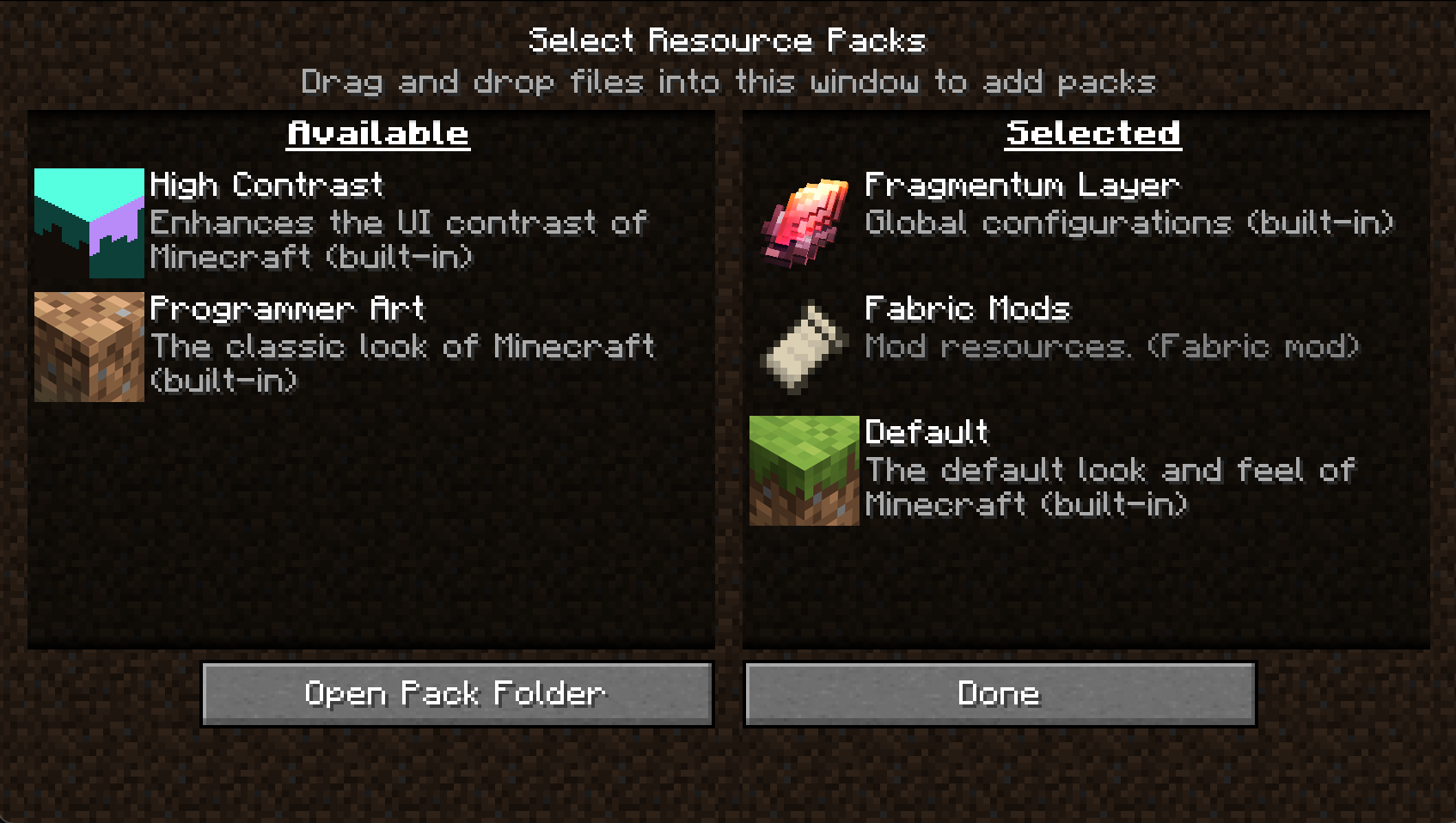
Fragmentum Layer lets you create global datapacks and resource packs directly inside config/fragmentum/ — without zipping, metadata, or pack structure. Minecraft treats everything inside this folder as a fully functional global pack, active in every world, automatically.
Folder Structure
1
2
3
4
config/
└── fragmentum/
    ├── assets/  -> global client resources (textures, models, languages)
    └── data/    -> global datapack content (recipes, loot tables, tags)
How It Works
On startup, Fragmentum creates two virtual packs:
- Fragmentum Layer Resource Pack – built from
config/fragmentum/assets/ - Fragmentum Layer Datapack – built from
config/fragmentum/data/
They behave exactly like normal Minecraft packs, but are assembled at runtime instead of being stored as zipped packs in
resourcepacksordatapacks.
Limitations & Intended Use
Fragmentum Layer is not a loader for third-party packs and cannot import external zipped datapacks or resource packs. It exists only to simplify adding your own data-driven content without packaging.
For example, if you want to add custom styles for Obscure Tooltips, you can either:
- create a full resource pack (zip + metadata), or
- drop your JSON style files into
config/fragmentum/and they will load globally.
This applies to your custom recipes, loot tables, tags, structures, and any vanilla/mod data: just put your own content into config/fragmentum/.
Fragmentum Layer is a convenience layer for personal global overrides, not a replacement for real datapacks or resource packs.
Hotswap
/reload– updates changes indata/F3 + T– updates changes inassets/